Review the UI. Hand the report to your AI.
Capture the tab, mark every detail and copy a report ready to paste into the chat. Everything stays in your browser.

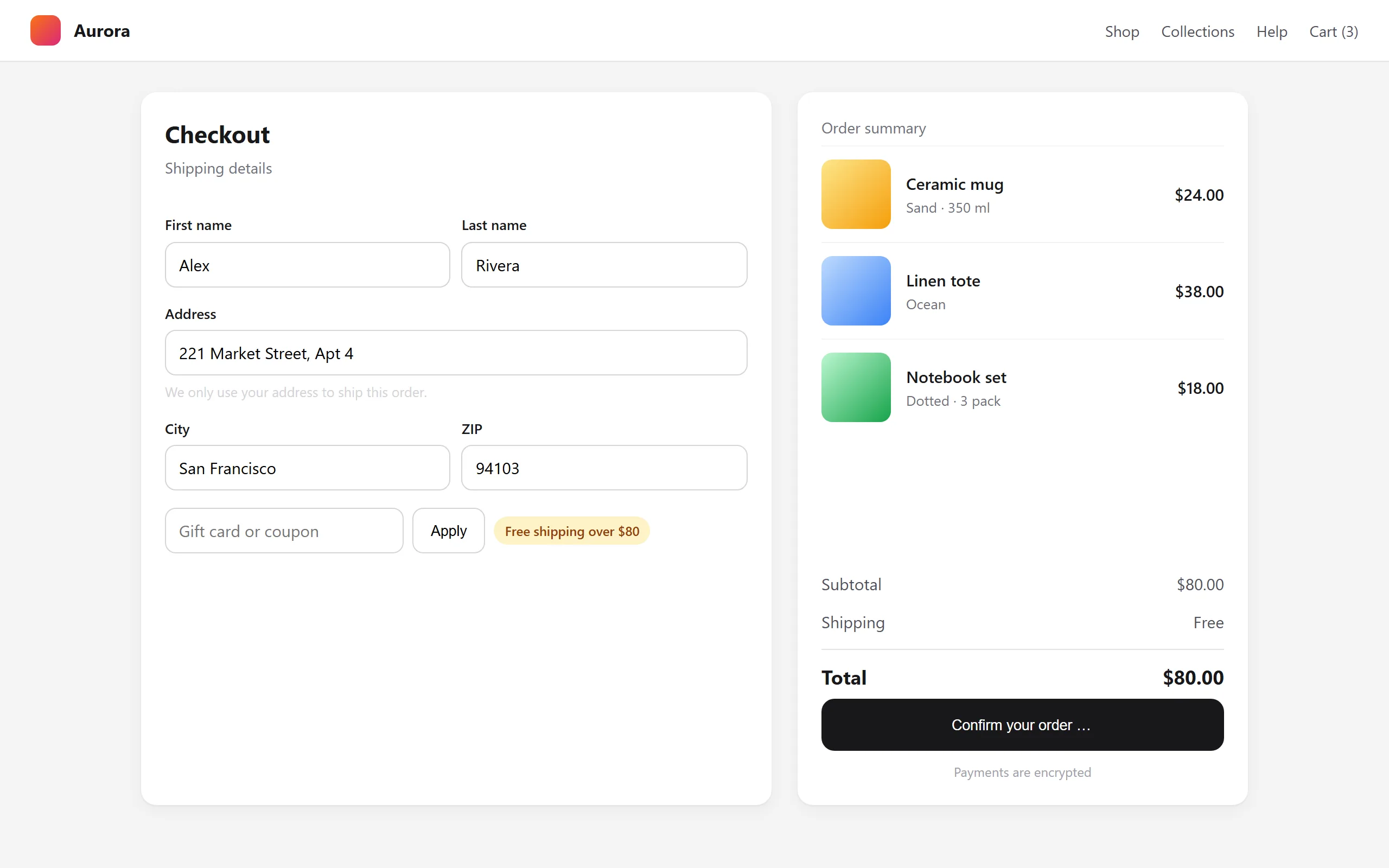
Three steps
No describing bugs by hand. The screenshot and the marks say it for you.
Capture
The visible tab or the full page, with one shortcut.
Mark
Pins, boxes, arrows and a ruler. Each mark has a cause and a severity.
Copy
Text and annotated image, ready for Claude, ChatGPT or an issue.
9 devices, at their real proportions
From a small phone to an iPad. Browse the page at that size, rotate it and capture what you see.
Only the size changes, not touch. It works on any site, including local files.
Console errors, right next to the capture
- Only what is new since the previous capture.
- Repeated errors are grouped (×4).
- Emails, tokens and keys are hidden before saving.
Paste the report into your AI
Marks, causes and console in plain text, plus the annotated image. Your AI knows what is wrong and where.
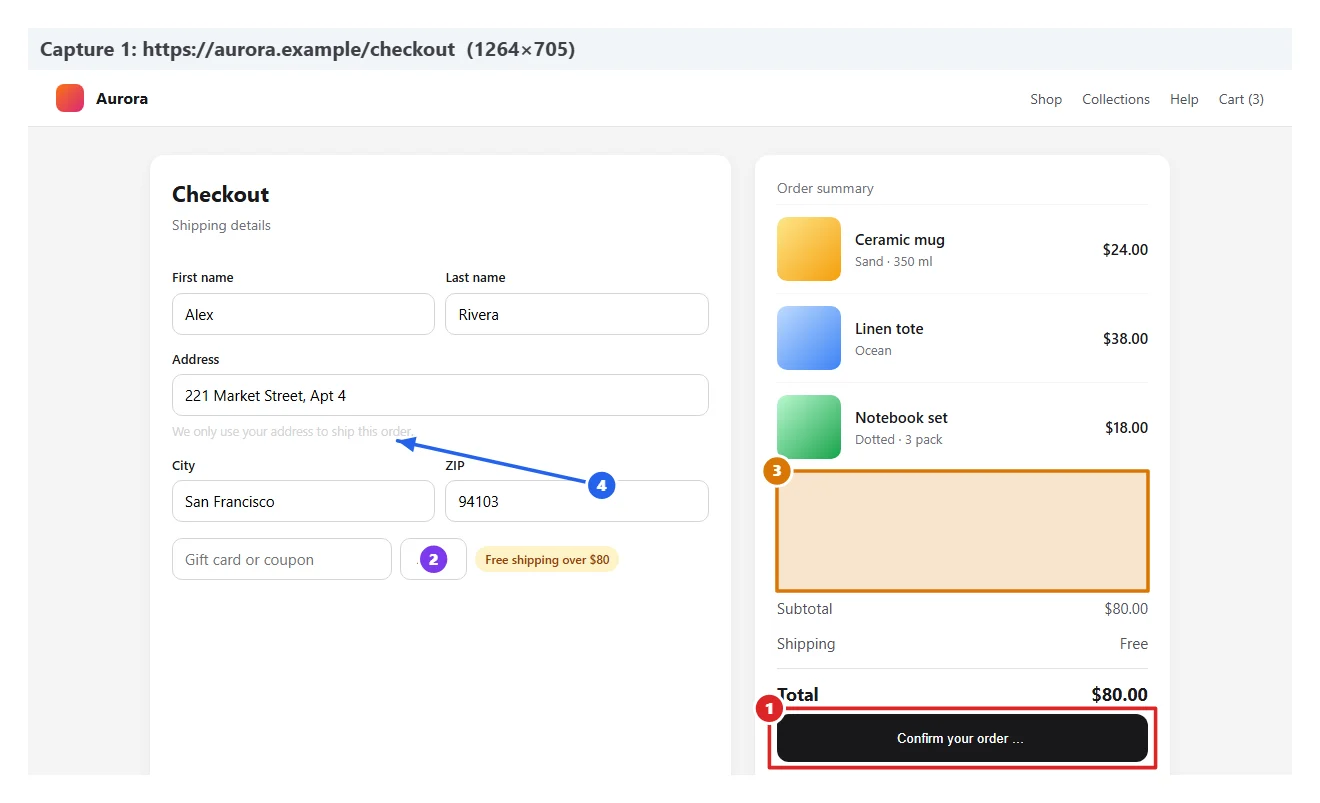 Here is the review. Fix the blockers first.
Also included
Built for reviewing real screens, not mockups.
Full page
Follows the real scroll, also inside panels and modals.
Video
Record the tab and turn any frame into a capture.
Live copy editing
Rewrite text on the page; the report keeps the before and after.
Ruler
Measure gaps and sizes in real CSS pixels.
Hide data
Cover names or amounts before sharing the image.
Three languages, dark mode
Spanish, English and French. The report comes out in your language.
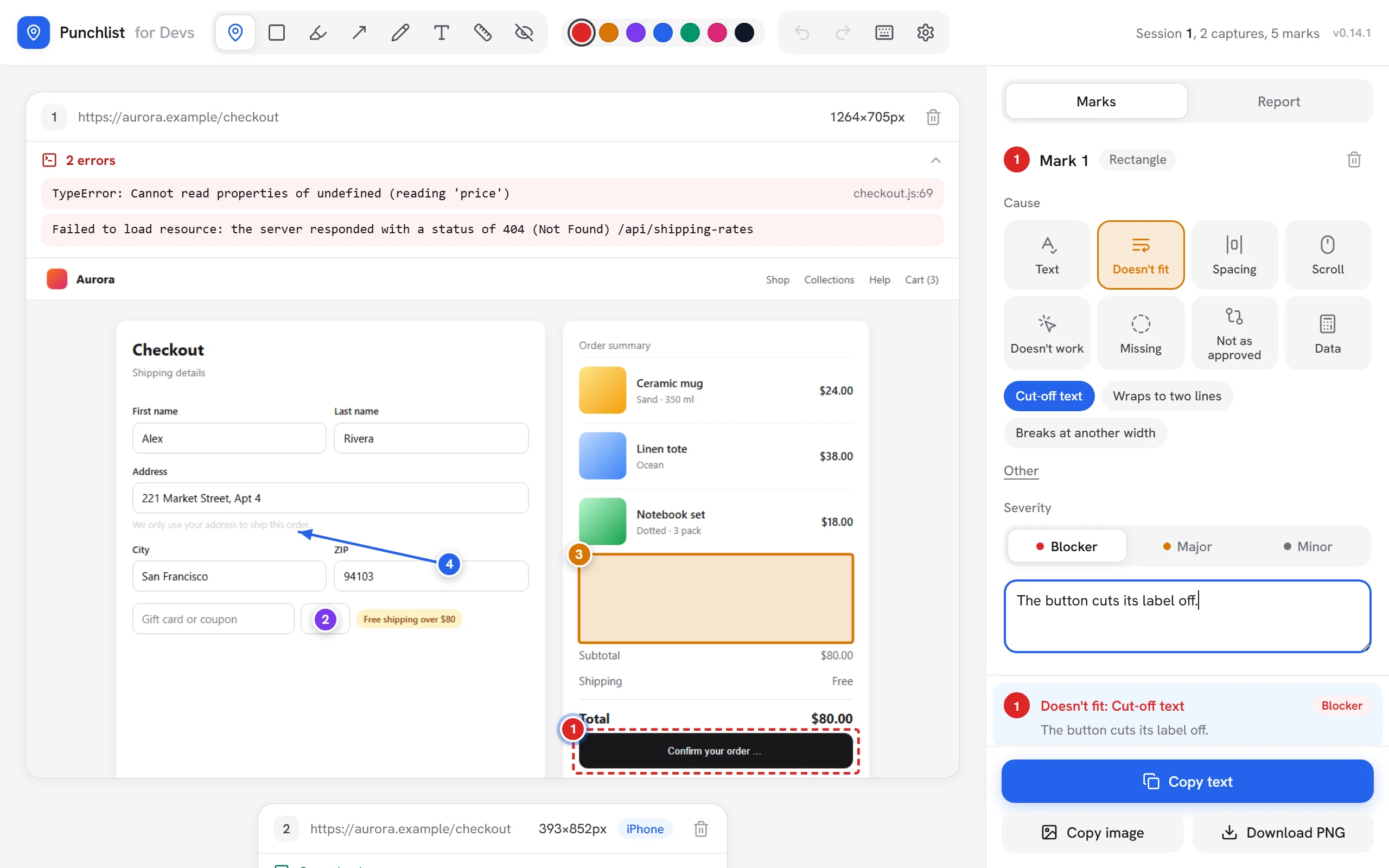
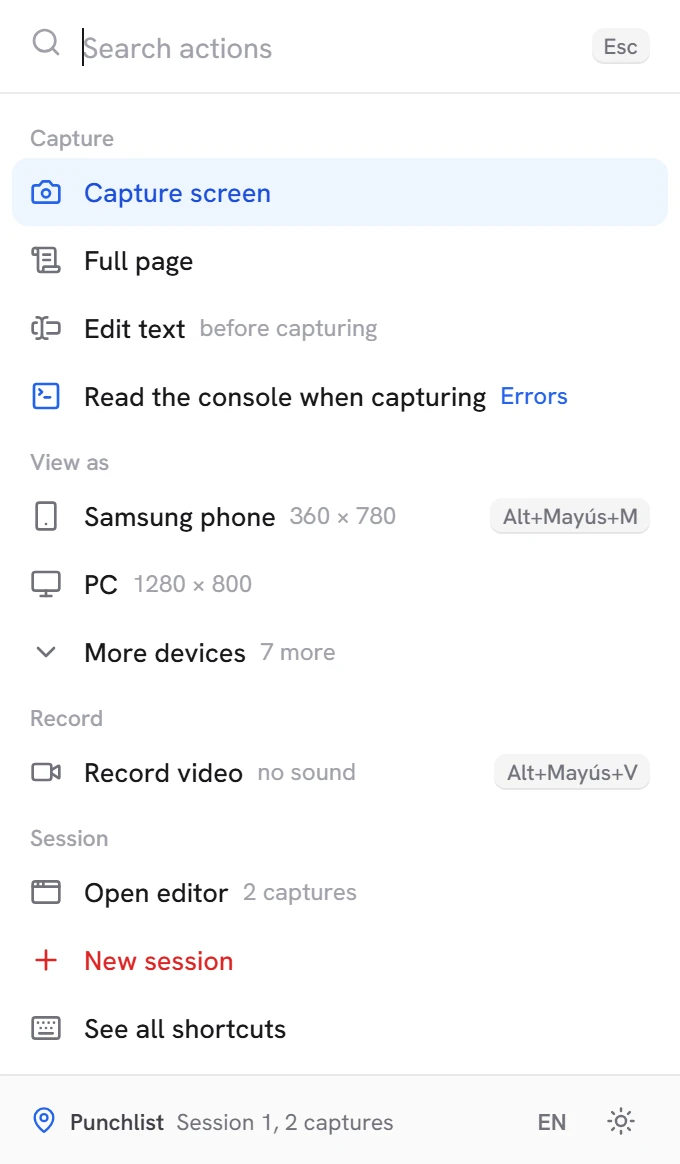
This is how it looks
Real screenshots of the extension.
Nothing leaves your browser
No accounts, no analytics, no servers. You decide what you copy and where you paste it.
Read the privacy notice